

FireFax - Send Via Email
Overview
🔎 Scope
How to send a fax via email
✔️ Requirements
- Email must be sent from the email address associated with the FireFax user.
🔗 Links
- None
Addressing the Email
- Using the email client of your choice (Outlook, Gmail, etc) compose a new message.
- "To" address field
- The email address should be the full 11 digit fax number @ FireFax.tel
- Example: To send a fax to the fax number - (555) 555-1212 the "To" email field should be:

Including a Cover Page
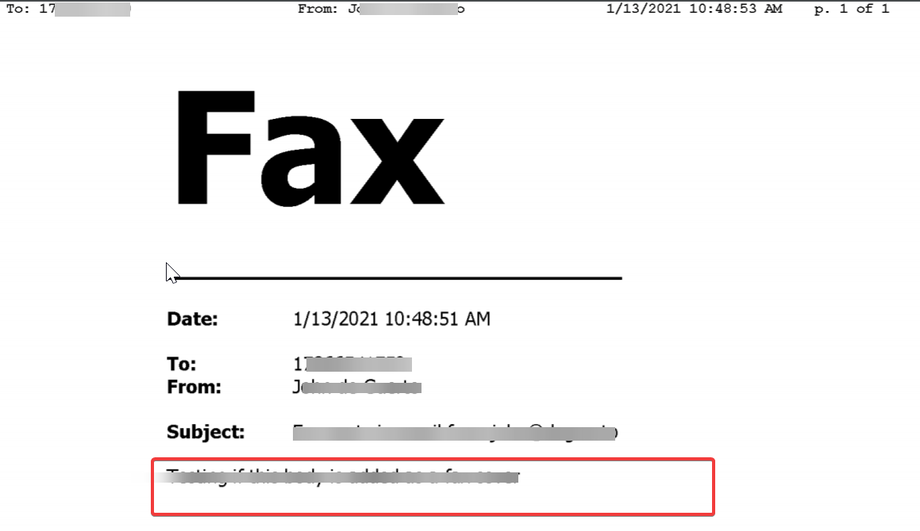
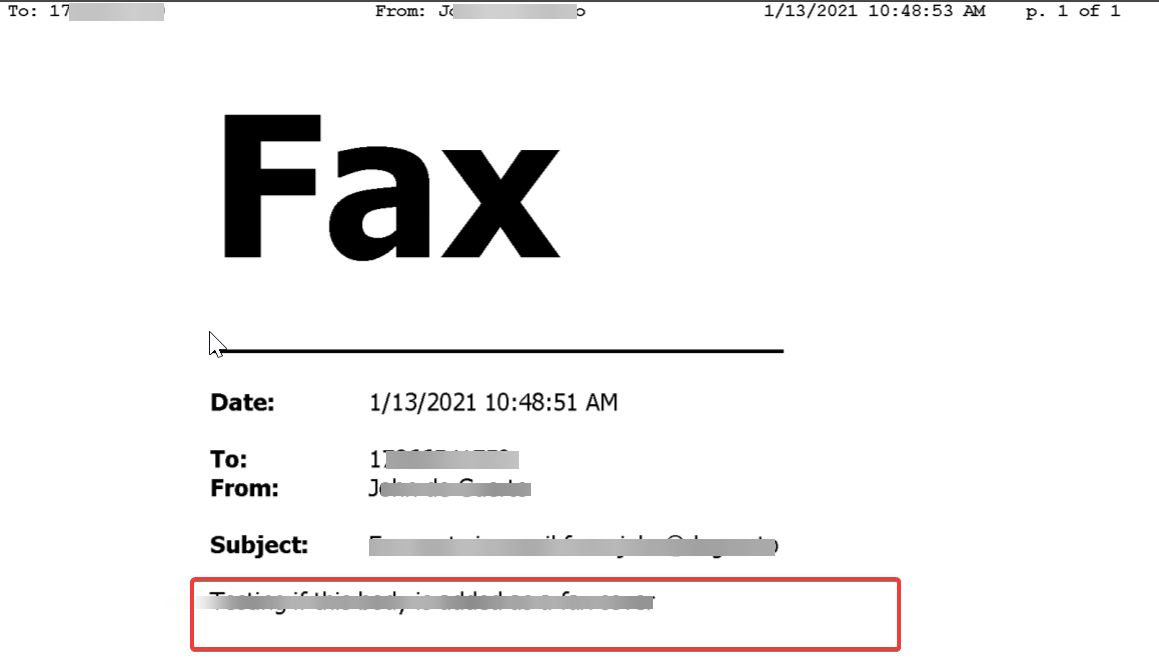
- FireFax will automatically use the body of your email message and populate it onto a cover page
- You will notice that the To: field on the cover page is populated with the destination fax number by default. The From field will be the email/fax sender's full name. Populate the email subject field.
Sending / Attachments
- You can attach multiple document types when sending a fax via email (see below). You can attach a single document or multiple documents (varying formats are fine) and they will be rendered, converted to a faxable format, and sent to the destination fax number. Once your documents are attached, simply hit SEND. That's it! We'll take care of the rest.
- Image Files (TIFF, GIF, PNG, JPEG)
- Adobe Portable Document Files (PDF)
- Microsoft Office Files (DOC, DOCX, XLSX, PPTX)
- Text Files (TXT, RTF)
- Black and White files process better than Color or Grayscale
Notes / Tips
- FireFax Email2Fax total document file size is 10MB. If the total size exceeds 10MB, you will receive a non-deliverable auto-reply email message, similar to this example.

- Faxes sent via FireFax Email2Fax will NOT show in the "Sent" field in the Manager Portal
